
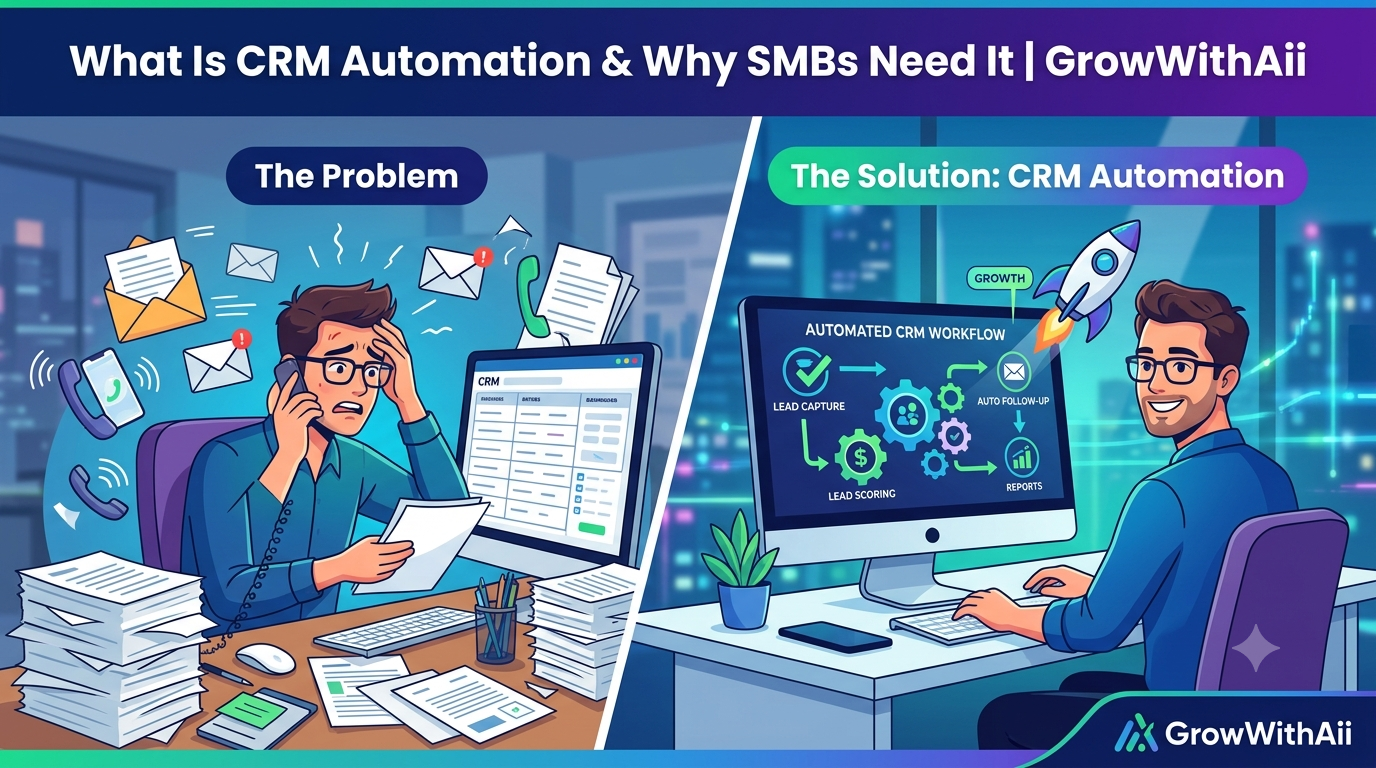
For small and mid-sized businesses, this isn't a nice-to-have. Most SMB sales teams don't have a dedicated ops person to babysit the CRM, so data entry either eats into selling time or simply doesn't happen — and leads slip through the cracks either way. It's a well-documented problem: Salesforce's State of Sales research finds that reps spend only about 28–30% of their week actually selling, with the rest lost to admin, manual data entry, and internal busywork.
This guide covers what CRM automation actually means, how it differs from plain CRM software, the specific workflows worth automating first, and why it matters more for SMBs than for anyone else. It's based on the systems we've built and run for small-business sales teams at GrowWithAii, where the pattern is almost always the same: the leads exist, but the manual process quietly leaks them.
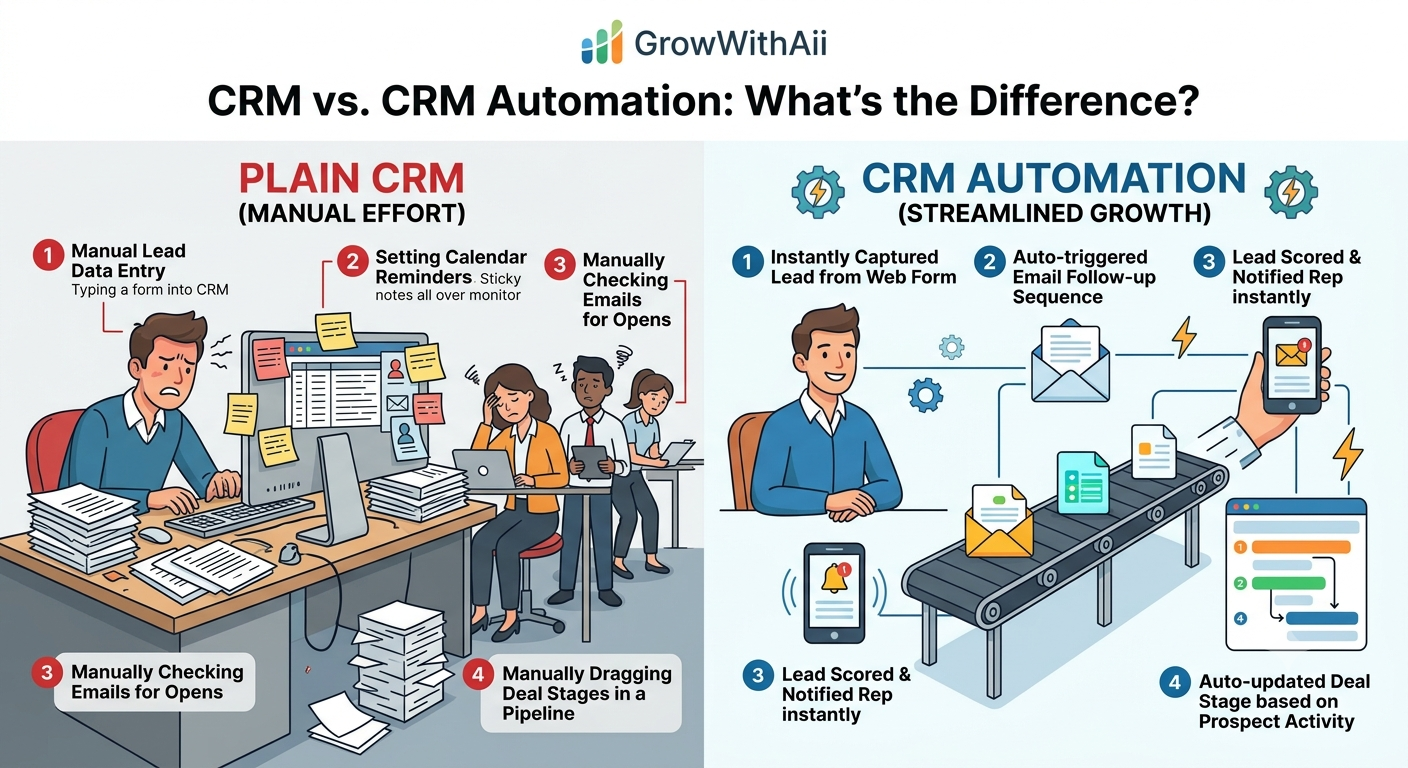
CRM vs. CRM Automation: What's the Difference?
A CRM is a database. It stores contact records, deal stages, call notes, and purchase history — but only as accurately as the person entering the data.
CRM automation adds a layer on top of that database that acts on information instead of just recording it.
|
Scenario |
Plain CRM |
CRM Automation |
|
A lead fills out a form |
Someone has to add them manually |
Contact is created instantly |
|
A prospect opens an email |
Nothing happens unless a rep checks |
Lead score updates, rep gets notified |
|
A deal goes quiet for 14 days |
Stays in the pipeline indefinitely |
Auto-flagged or moved to "At Risk" |
|
A deal closes |
Someone manually updates records and tells the team |
Handoff tasks, invoicing, and reports fire automatically |
In short: a CRM tells you what happened. CRM automation decides what should happen next — and does it.
Why SMBs Need CRM Automation More Than Anyone
Enterprise sales orgs often have RevOps teams whose entire job is CRM hygiene. Small businesses don't. Owners and reps wear multiple hats, and CRM upkeep is usually the first thing to slip when things get busy.
A few reasons this hits SMBs hardest:
-
Every lead matters more. A larger company can absorb a few dropped leads. For a small business running on a tighter pipeline, one missed follow-up can be the difference between hitting a monthly target or not.
-
There's no dedicated ops headcount. Automation replaces the admin work a full-time ops hire would otherwise do — at a fraction of the cost.
-
Reps are often founders or generalists. Time spent on data entry is time not spent on the calls that actually close revenue.
-
Growth breaks manual processes fast. What worked with 20 leads a month falls apart at 200. Automation is what lets a small team scale without proportionally scaling headcount.
The stakes show up most clearly in response time. The landmark Lead Response Management Study by Dr. James Oldroyd (MIT/InsideSales) found that contacting a lead within five minutes rather than thirty makes you 100x more likely to connect and 21x more likely to qualify them. Yet Harvard Business Review's audit of thousands of companies found the average firm took 42 hours to respond to an inbound lead. For a small team without automation catching and routing leads the moment they arrive, that gap is exactly where revenue leaks out.
Core Automated CRM Workflows
Not every task needs automating — but a handful of workflows deliver most of the value. Here's where SMBs typically see the fastest return.
Automated Lead Capture
Leads from web forms, Facebook and Google ads, WhatsApp, and calls flow directly into the CRM the moment they arrive, with source attribution attached automatically. No copy-pasting from inboxes or spreadsheets. If a business runs WhatsApp as a lead channel, this step alone can eliminate hours of manual entry a week.
Lead Scoring and Routing
Automated CRM workflows can score leads based on behavior — form fills, email opens, pricing-page visits — and route them to the right rep instantly, by territory, deal size, or round robin, instead of sitting in a queue until someone notices them.
Pipeline Stage Automation
Deals move through stages based on real activity instead of a rep remembering to drag a card. A proposal sent can auto-move a deal to "Negotiation." No reply after 14 days can flag it as "At Risk." This keeps the pipeline honest, which matters for forecasting.
Follow-Up Sequences
This is where sales CRM automation earns its keep. A lead that goes quiet can automatically trigger a personalized email, then an SMS, then a call task for the rep — all without anyone setting a reminder. Consistent follow-up, not rep memory, becomes the system. Given the five-minute response window above, this is often the highest-impact workflow of the lot.
Reporting on Autopilot
Daily pipeline digests, weekly performance dashboards, and monthly summaries generate themselves from live CRM data instead of someone building a report by hand every Friday afternoon.
What CRM Automation Looks Like in Practice
A simple example: a prospect downloads a pricing guide from your website. The CRM automatically creates a contact record, sends a welcome email, assigns the lead to the right rep based on region, and creates a task to call within 48 hours. If no contact is made, a second follow-up email fires on its own. The rep's entire job in that sequence is to show up to a warm conversation — not to remember it exists.
That's the practical difference automated CRM workflows make: less admin, faster response times, and a pipeline that stays accurate without someone policing it.
Getting Started With CRM Automation
You don't need to automate everything on day one. A reasonable rollout looks like this:
-
Audit your current setup. Identify where leads get lost or where reps spend the most time on manual entry.
-
Start with lead capture. Get every lead source flowing into the CRM automatically before automating anything downstream.
-
Add follow-up automation. Usually the highest-impact, lowest-effort workflow to set up next.
-
Automate pipeline hygiene. Stage updates and stale-deal flags keep forecasting accurate.
-
Layer in reporting. Once data is clean and flowing automatically, dashboards build themselves.
Most modern platforms — HubSpot, Zoho, Pipedrive, and others — offer visual, no-code workflow builders, so a basic automation can be live within a day. The harder part usually isn't the technical setup; it's mapping the process correctly before you build it, which is why many SMBs bring in outside help for the initial CRM automation setup even if they manage it themselves afterward.
Common CRM Automation Mistakes to Avoid
-
Automating a messy process. Automation speeds up whatever process you give it — including a broken one. Fix the workflow logic first.
-
Over-automating. A workflow that handles every possible edge case is harder to maintain than a simple one that works reliably. Start narrow.
-
Ignoring the "why" behind a workflow. If nobody remembers why an automation exists six months later, it becomes a liability. Document what each one does and why.
-
Treating it as "set and forget." Automated CRM workflows still need occasional review as your sales process evolves.
FAQ: CRM Automation for Small Business
What is CRM automation in simple terms?
It's software that handles routine CRM tasks — logging leads, updating deal stages, sending follow-ups — automatically, based on triggers you define, instead of requiring manual input every time.
Is CRM automation only for large companies?
No. If anything, small businesses often benefit more, since they rarely have a dedicated team to manage CRM data by hand.
How long does it take to set up CRM automation?
A basic workflow like automated lead capture can go live in under a day. More complex, multi-tool setups typically take two to four weeks to design, build, and test properly.
Do I need to switch CRMs to automate?
Not usually. Most CRM automation works with whatever platform you already use — HubSpot, Salesforce, Zoho, Pipedrive, and others all support automated workflows natively or via integration.
What's the difference between CRM automation and marketing automation?
CRM automation focuses on sales and pipeline processes — lead routing, deal stages, follow-ups. Marketing automation focuses on nurture campaigns and multi-channel outreach before a lead reaches sales. The two increasingly overlap and often run on connected data.
The Bottom Line
CRM automation isn't about replacing your sales team — it's about removing the admin work that keeps them from selling. For SMBs specifically, where every lead counts and there's no ops team to catch what falls through the cracks, automated CRM workflows are often the highest-leverage investment available: faster response times, cleaner data, and a pipeline that doesn't quietly leak revenue while everyone's busy.
If your team is still manually logging leads, chasing follow-ups, or building reports by hand, that's usually the clearest sign it's time to automate. Our CRM automation services are built specifically for this — auto-capturing leads from every channel, scoring and routing them automatically, and keeping your pipeline accurate without adding headcount. Paired with automated lead management and broader workflow automation, most SMB teams reclaim meaningful selling time in the first month.
Curious what this looks like for your specific sales process? Book a free CRM audit and we'll show you exactly what to automate first.